Twelve applications of our own at very different stages. The difference between “running”, “beta” and “in development” stays visible here too.
Access is by invitation. The applications live at their own addresses, but anyone who visits one first sees an introduction page. Getting in takes a personal link – and a single link can be revoked without touching the others. If you would like to try one of them, drop us a line.
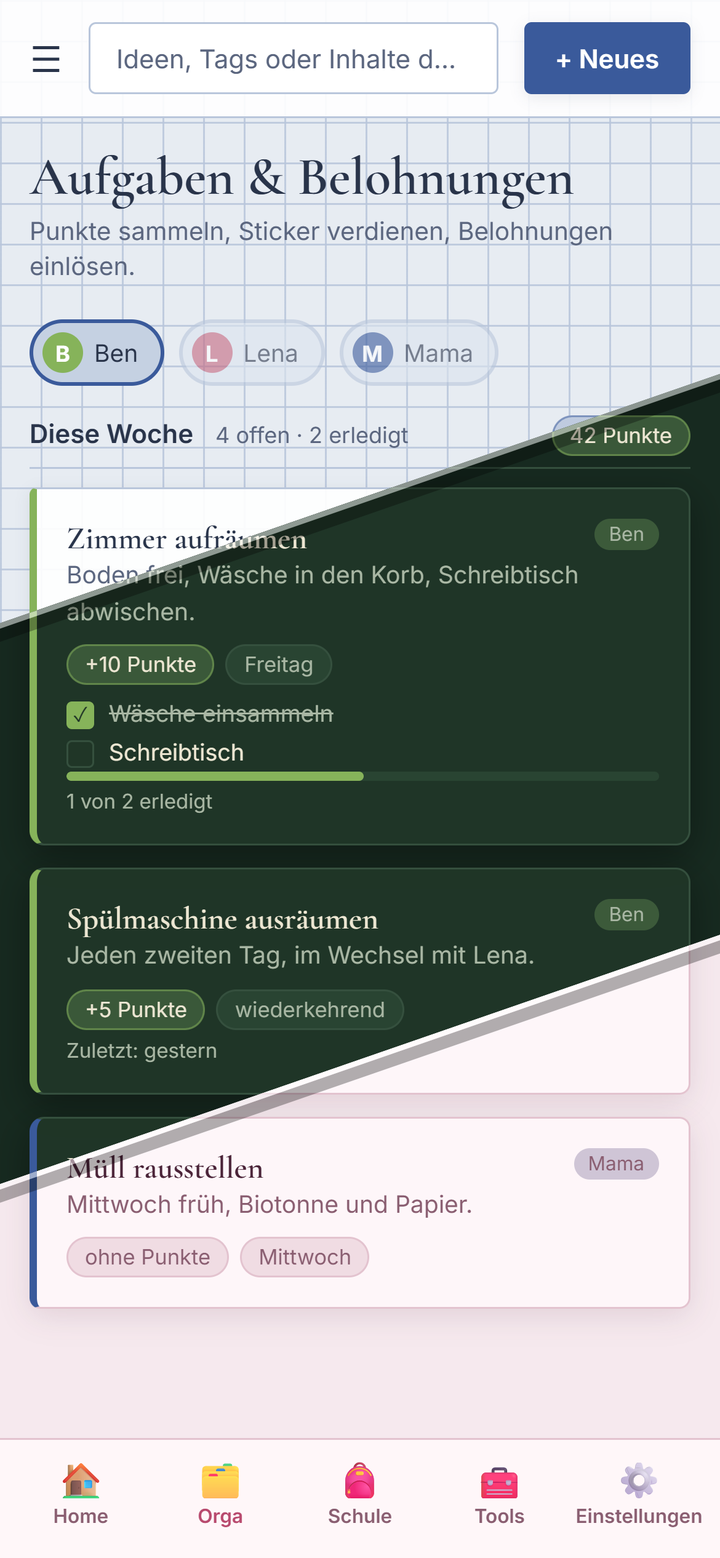
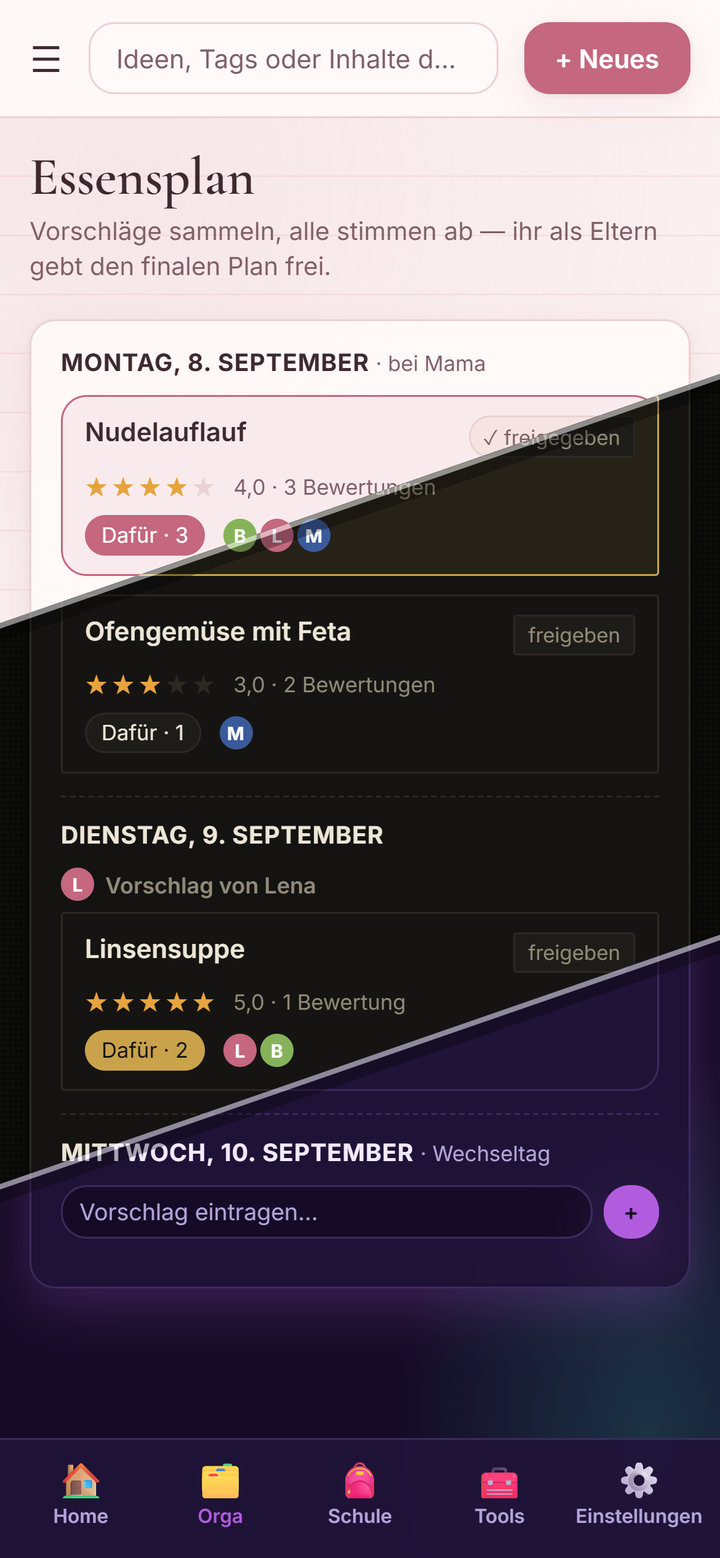
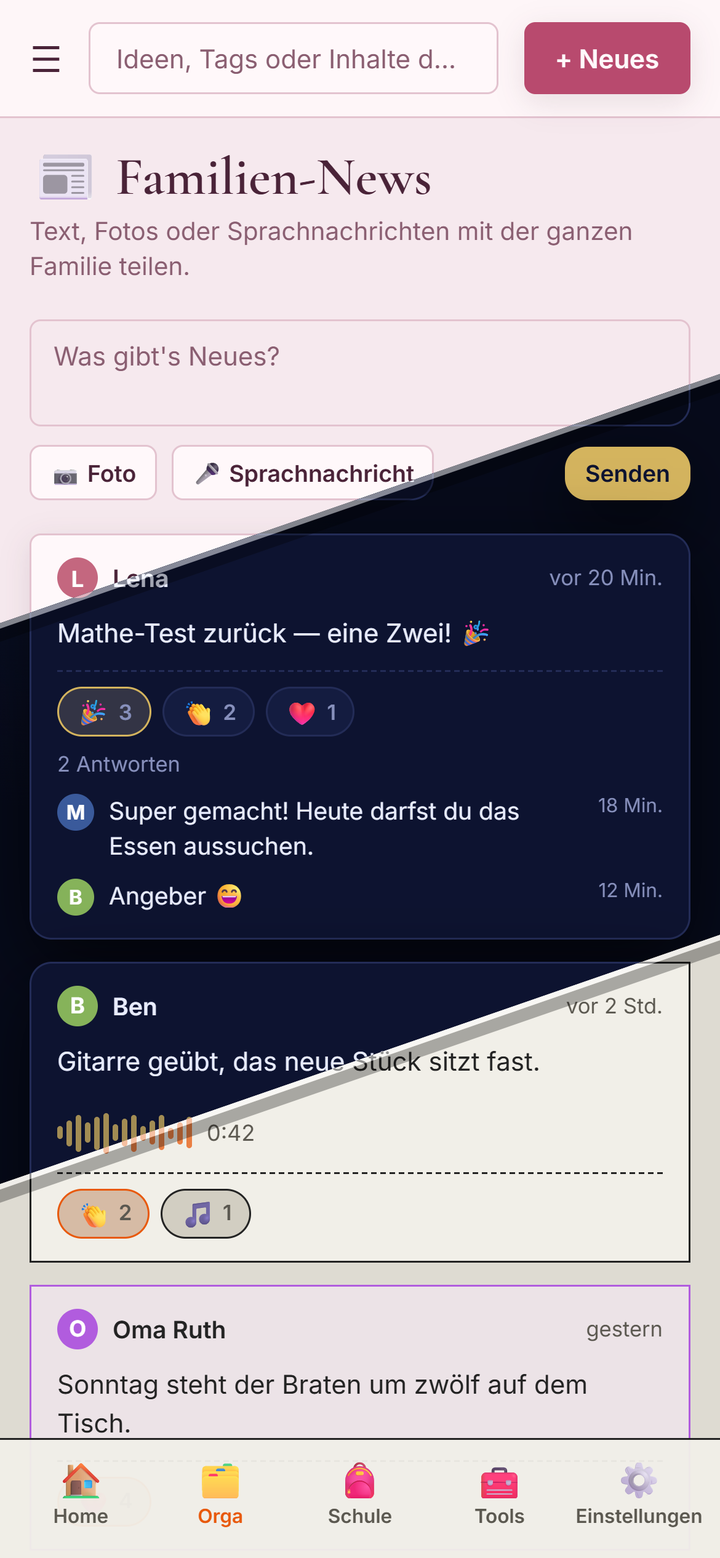
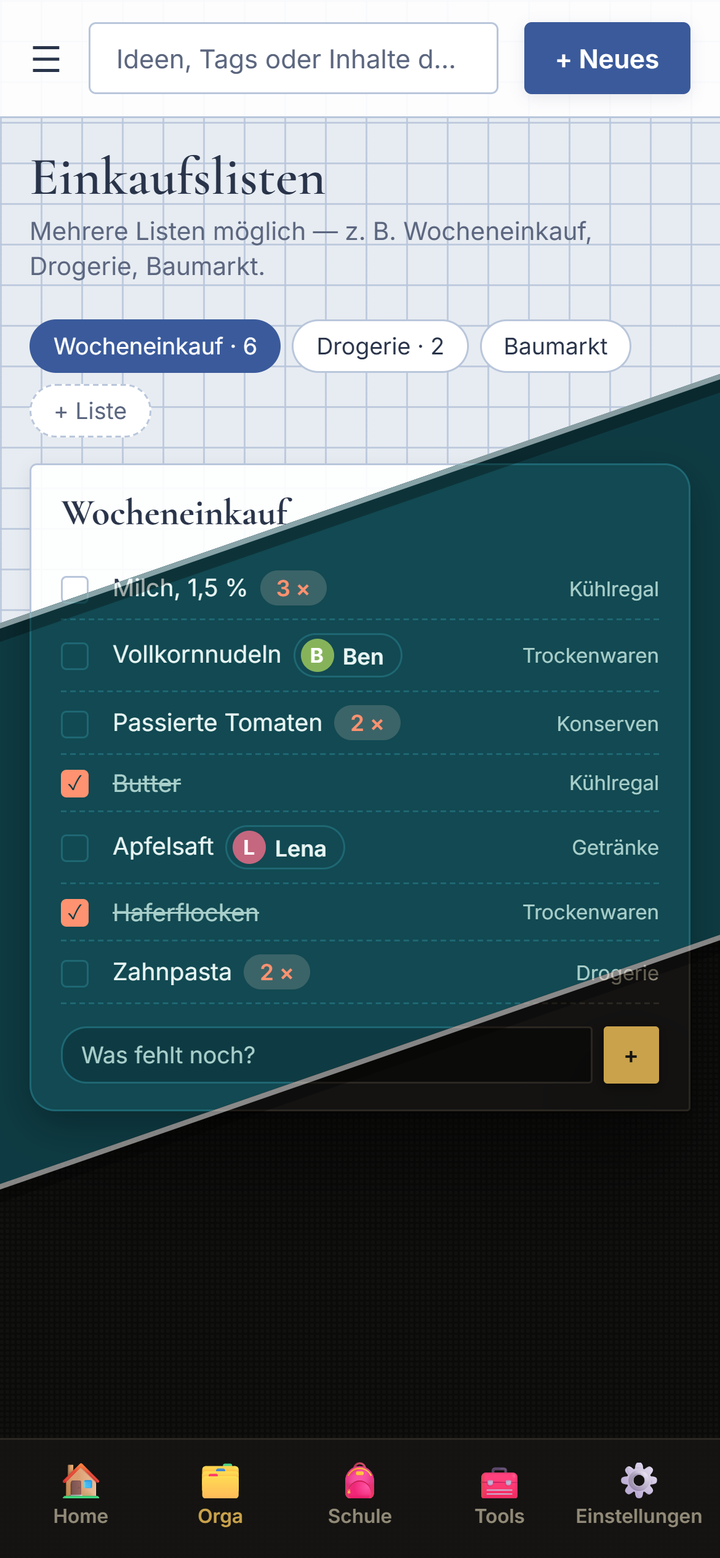
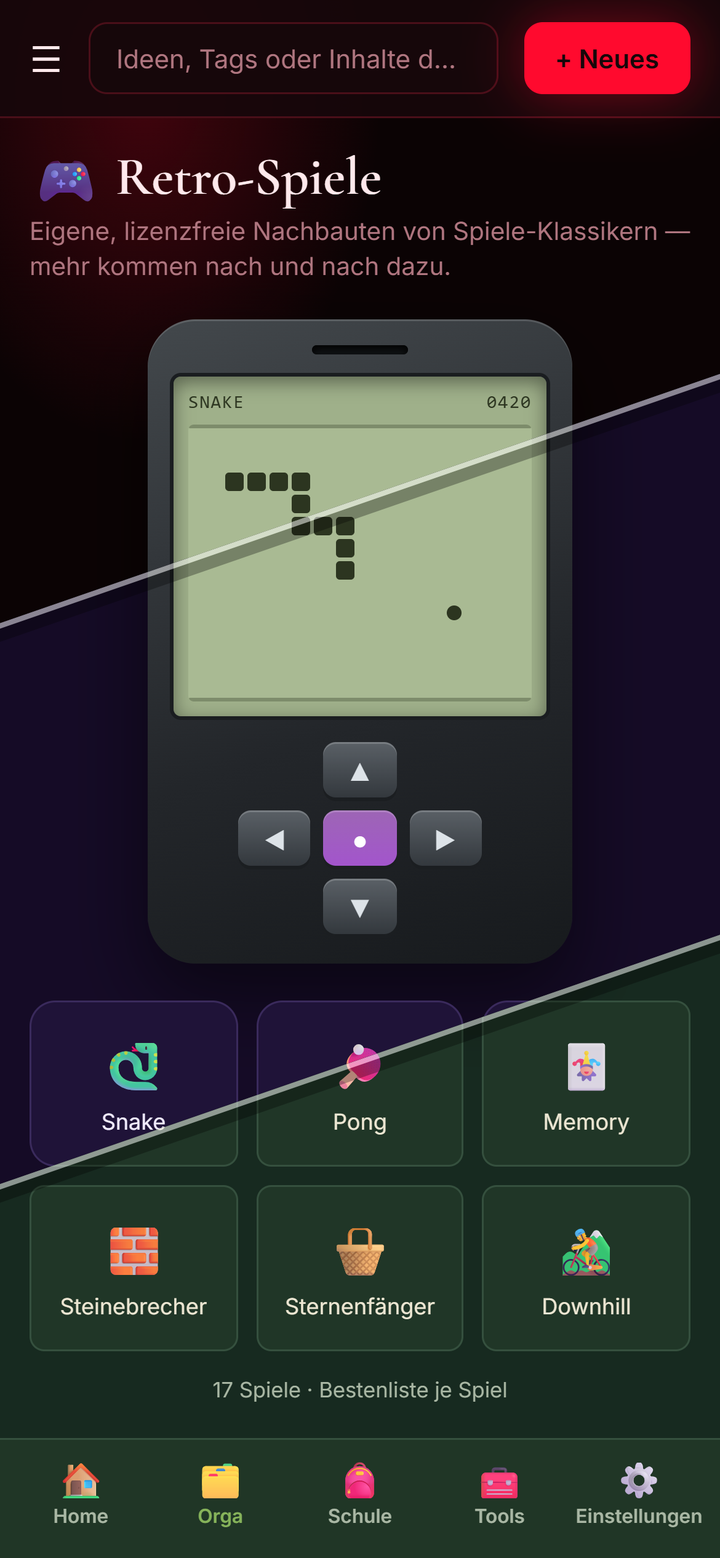
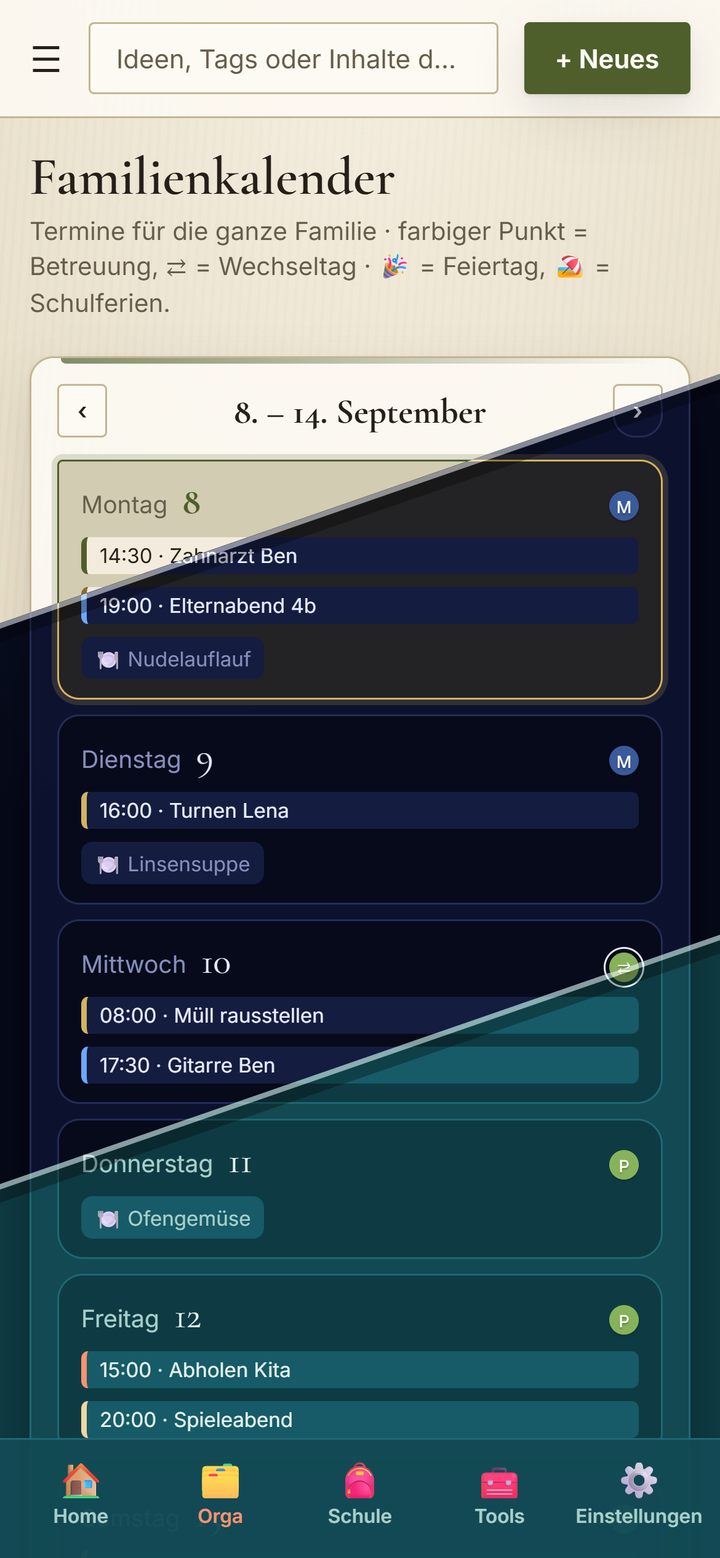
A family is a network. Notes on the fridge, messages in passing, arrangements someone forgets – D’App brings all of it to one place: calendar, chores with points towards pocket money, shopping lists, a meal plan the family votes on, school with homework and grades, a diary with its own PIN, 17 games with a family tournament and an AI helper. For families of every shape.
The diary is encrypted twice, and even parents cannot reset its PIN. A convenient parental master key would have taken an hour to build – and would have undone the whole point. It was left out on purpose. Parents can delete entries, forcing an empty fresh start, but never read them. A protected space is only protected if it really is.
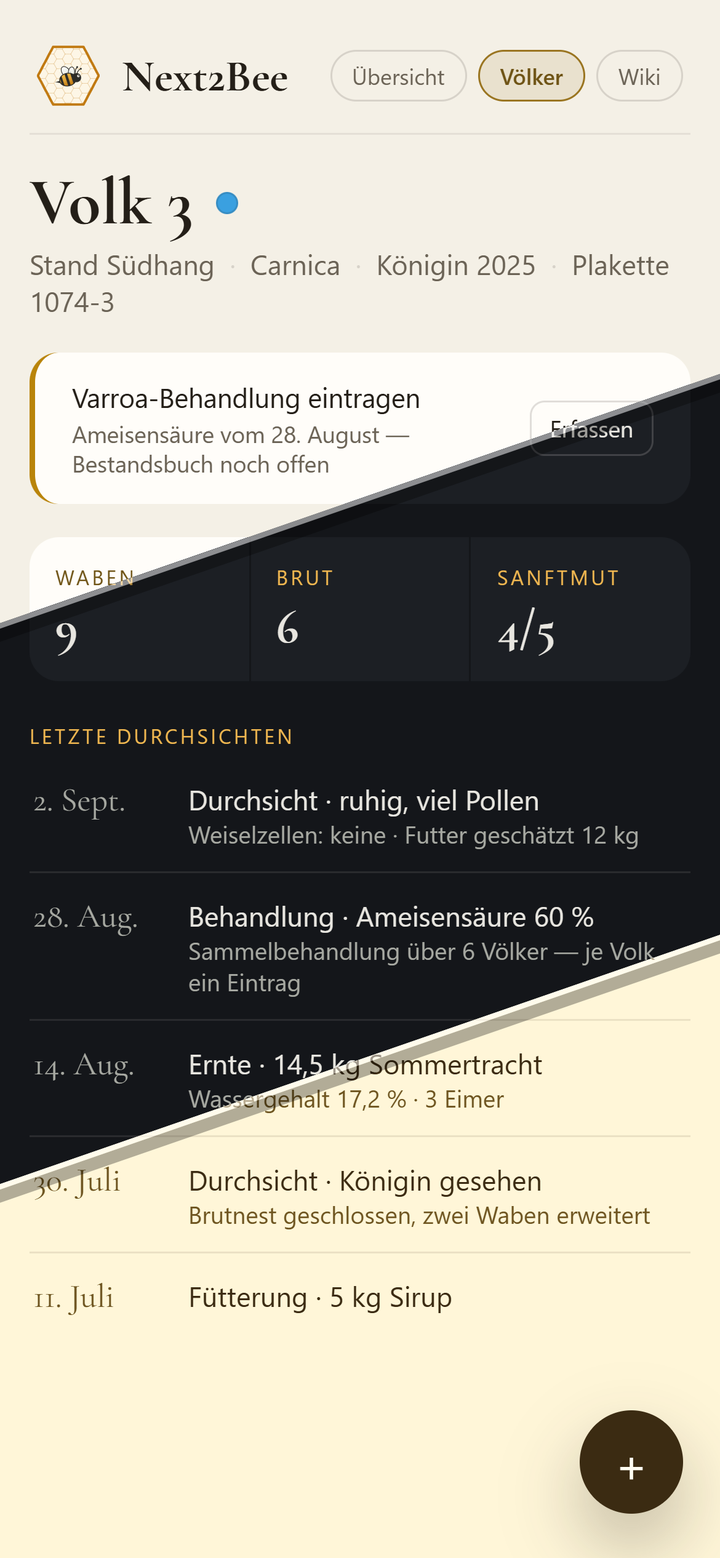
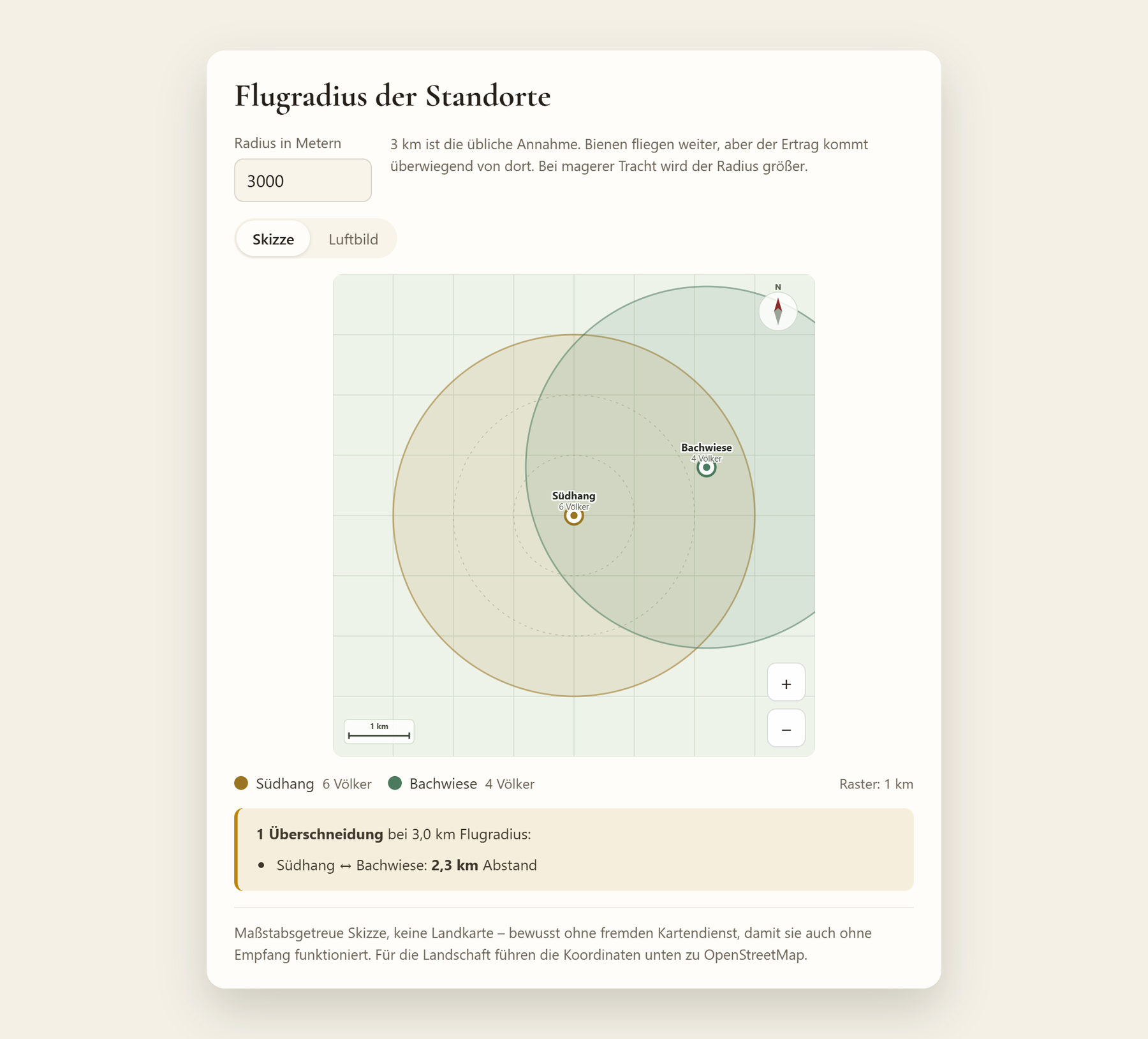
A digital hive log for beekeepers: colonies by apiary, inspections with rating scales, harvest and treatments with the fields the stock record requires, a bee wiki covering diseases, breeds, the beekeeping year and the law, reporting duties per federal state, a funding check, beekeeper weather and a hand‑drawn foraging‑radius map.
The important part comes first: no account, no network, no third‑party service. There is rarely reception at the apiary – that is exactly what this app was built for. Sync, AI and reporting can be switched on and then run on our own server. The server is dumb: it stores and prevents overwriting; merging happens on the device.
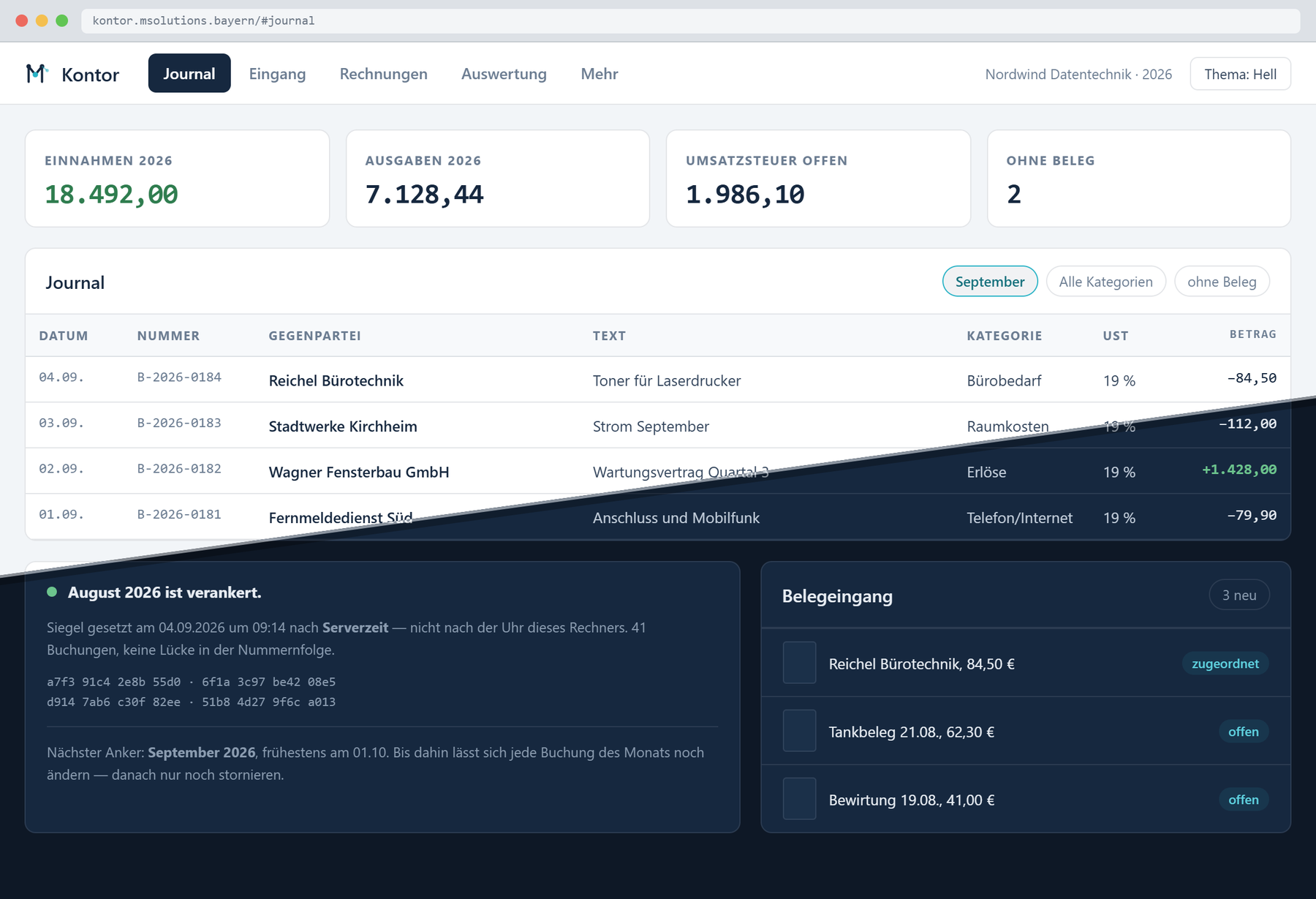
Bookkeeping for small businesses under the German small‑business rule: cash accounting, a receipts inbox, outgoing invoices, incoming e‑invoices, the annual statement and an export an auditor can actually read. Built to the German GoBD rules for digital records – and used in our own business before anyone else gets it.
An entry is an event, not the contents of a form. Corrections are new entries, reversals are counter‑entries, and there simply is no “edit this entry” function. The journal is append‑only and carries a checksum chain: alter an old entry and you visibly break it. The same property means multi‑device sync never has to resolve a conflict.
Entries, receipts and customers are encrypted. In the clear, the server holds nothing but the checksum of a closed month together with its own timestamp. That is enough to prove later that a given state existed at a given time, without showing it to anyone.
Deadlines, turnover thresholds, recording periods and the rules for self‑issued receipts are stored as data with a valid‑from date. When the legislator changes a number, that is an entry, not a rebuild. And because records must be kept for ten years, a full export to CSV, PDF, XML and original documents is always one click away: the data should outlive the software.
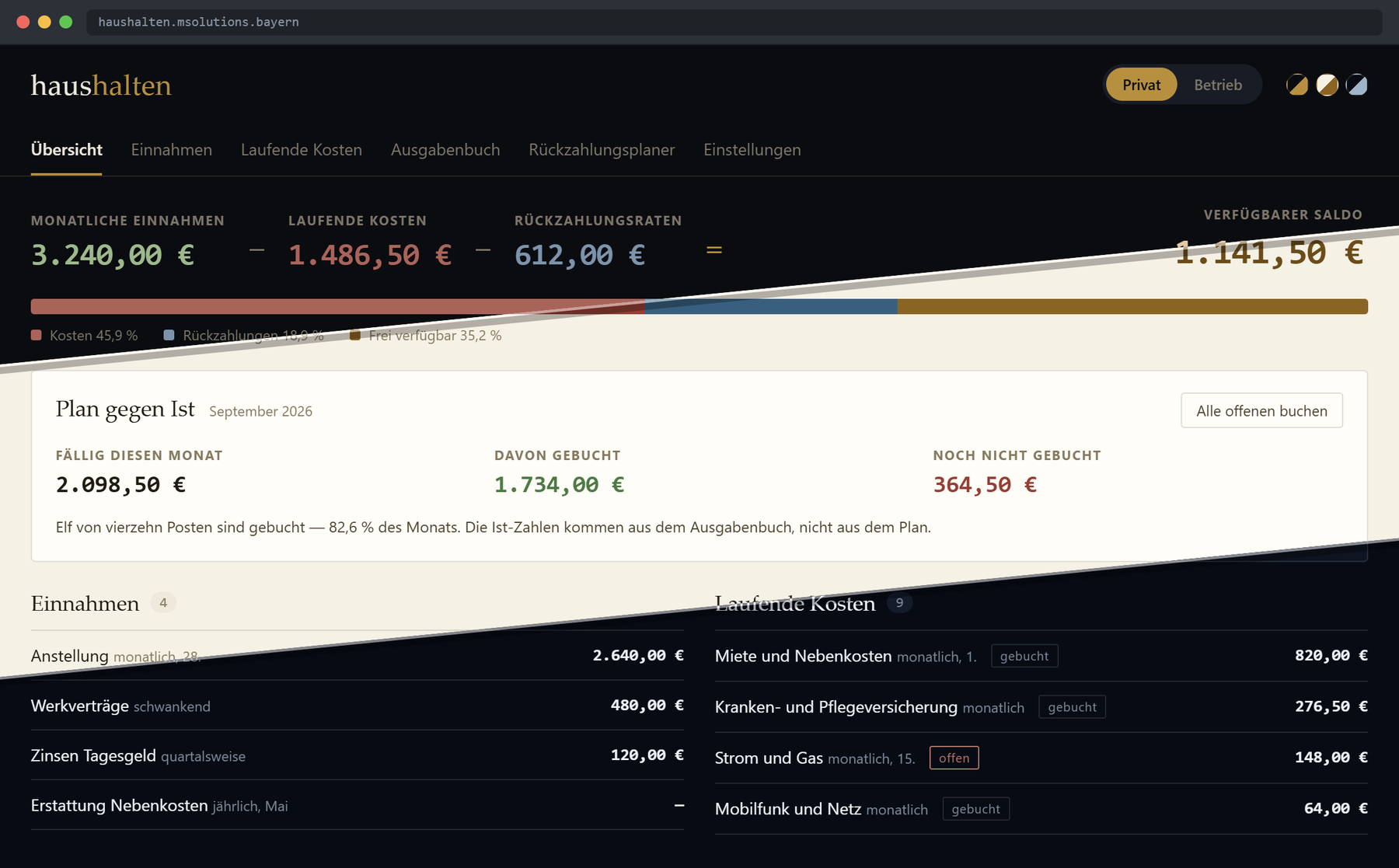
Haushalten is the German verb for running a household within your means. A budget book for private users – and for freelancers and small traders who want to keep a little business on the side. Recurring costs, instalments, income, and a spending log with category and payment method. The overview puts what was planned next to what actually left the account – the gap between the two is the real answer.
One switch at the top separates private from business and applies everywhere: overview, costs, repayments, spending log. Every entry belongs to one side, and “both” shows them together.
Not to be confused with Kontor: Haushalten plans and tracks where the money goes. Kontor keeps the books the tax office wants to see. Anyone who needs both uses both – the spending log exports as CSV.
Mentor is the working title for the development phase – what it ends up being called is a later decision. It started as a flashcard app for one engineer's own technician exam: your material, your progress, your wiki, offline in a single file.
The heart of it is a decision about storage, not about the interface: cards, quizzes, exam questions and summaries are derived from the wiki page, not maintained beside it. Anyone who has ever tried to keep a stack of flashcards and a set of notes in sync knows why. One piece of content, many ways to learn it – from spaced repetition through learning paths to a mock exam.
A curator turns a PDF into wiki pages and cards, a tutor explains at the right level, a planner builds the study plan, an examiner tests and marks. All four work strictly from the context of your own material: they teach you your syllabus and invent nothing. When you are preparing for an exam, a model that sounds plausible and is wrong is worse than no help at all.
One technician exam: own material, own progress, own wiki. The syllabus that shows whether the method holds up.
More subjects, far more material, real exam preparation stretched over months rather than over a weekend.
Tenants, lecturer roles, course administration, group-level reporting. The customer is then the institution.
Every phase is worth something on its own and closes no door to the next. That is deliberate: the project keeps its value even if the long arc is never completed.
Six smaller applications built for a concrete need – and whose parts travel back into the larger projects.
Effort estimation and quoting. Three numbers per line item – optimistic, likely, pessimistic – giving an expected value and a range. The quoted price is calculated at a chosen confidence level, not at the mean.
That is why a quote from here carries a number with arithmetic behind it. Reusable line items mean the next estimate does not start from zero.
Server load and running costs in one view: how busy our own machine is, and what the AI usage costs, broken down by workspace. A PWA for phone and browser.
The reason was plain enough: if you use AI in your business, you should not have to guess at the end of the month where the money went.
A practice hub for guitar: metronome, change timer, tuner, weekly plan, repertoire and progress. Fully usable without a network – in a rehearsal room the metronome has to run even when nothing else does.
Every access to microphone, audio and device sits in exactly one place in the code, and a test fails if anyone works around it. That keeps the later move to a native app cheap.
More instruments are planned – the metronome, practice plan and progress tracking were never guitar-specific. Tuner and repertoire need their own work per instrument.
Task management with ranking and status: what is due, what is open, what is under way. Filtered views instead of one endless list, plus switchable themes.
Built because a to‑do list without a ranking is, after two weeks, just a reproach.
Time tracking and travel expenses: flexitime balances at the start and end of the month, overtime gross and net, near and far travel days, public holidays per federal state. CSV in and out, and a print view.
The point of it is the yearly view: the monthly figure is easy to get, the twelve‑month trend is not.
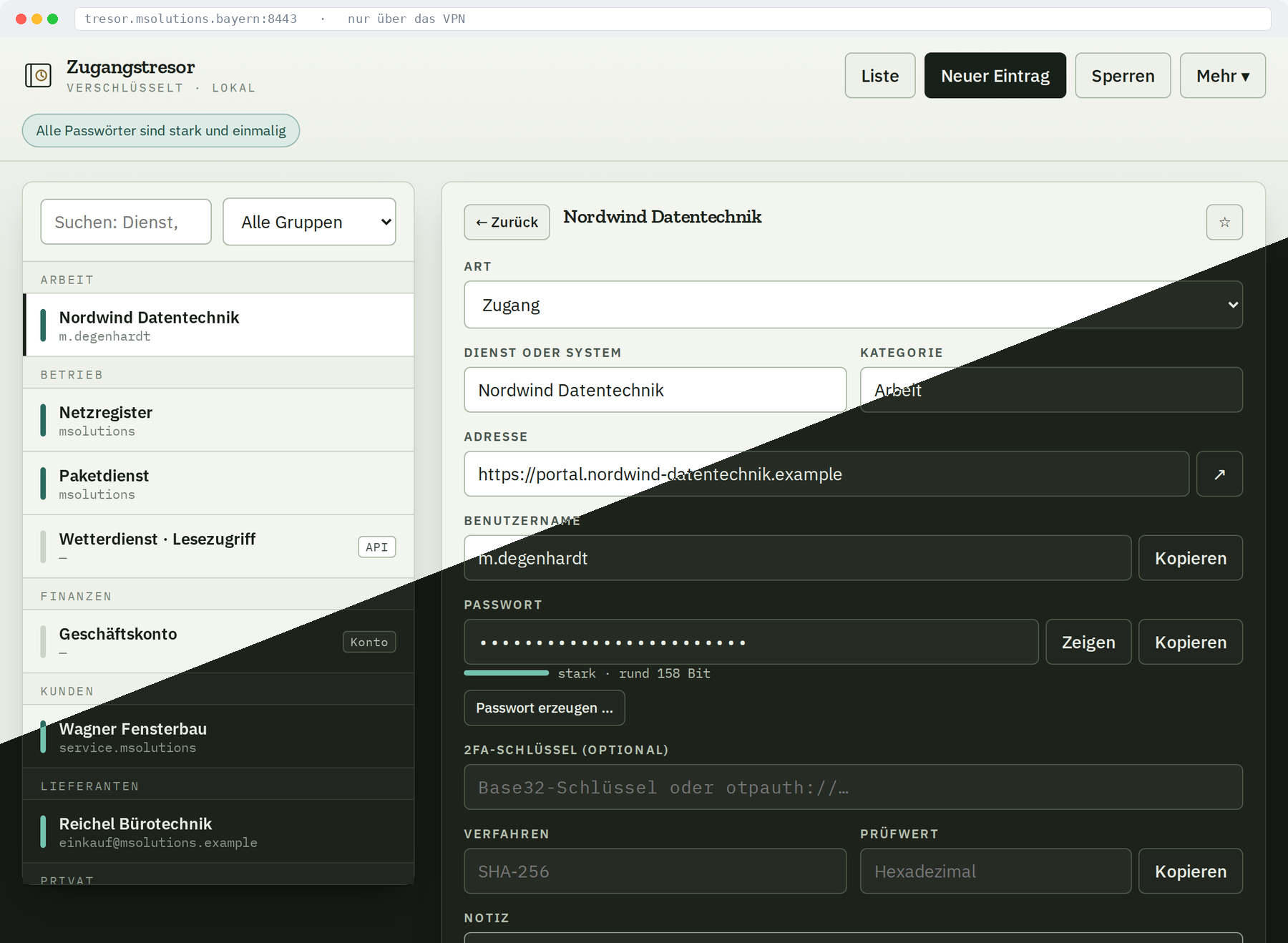
An encrypted vault for credentials, a separate application alongside D’App. The master password never leaves the device and is a different one from anything the other applications use.
All the server ever sees is ciphertext and salt – enough to store and sync, far too little to read anything.
A Python backend with a PWA dashboard: the AI analyses the market situation, connected to MetaTrader 4 and 5, in four modes from analysis‑only to fully automatic.
The principle is the same as everywhere here: the AI only holds an opinion – the risk manager has the final say. Position size, limits and approval never come from the model. A confident misjudgement cannot blow up the account.
The building blocks from these projects – encryption, offline operation, tamper‑evident records, AI with guardrails – transfer to other work.